How it works, screen by screen
Every step, from every side, in the order it happens. These are real screens from a test organisation. Every name in them is made up.
Prefer to try it? Run the five-minute walkthrough
Buyer
The person running the procurement: usually the procurement lead.
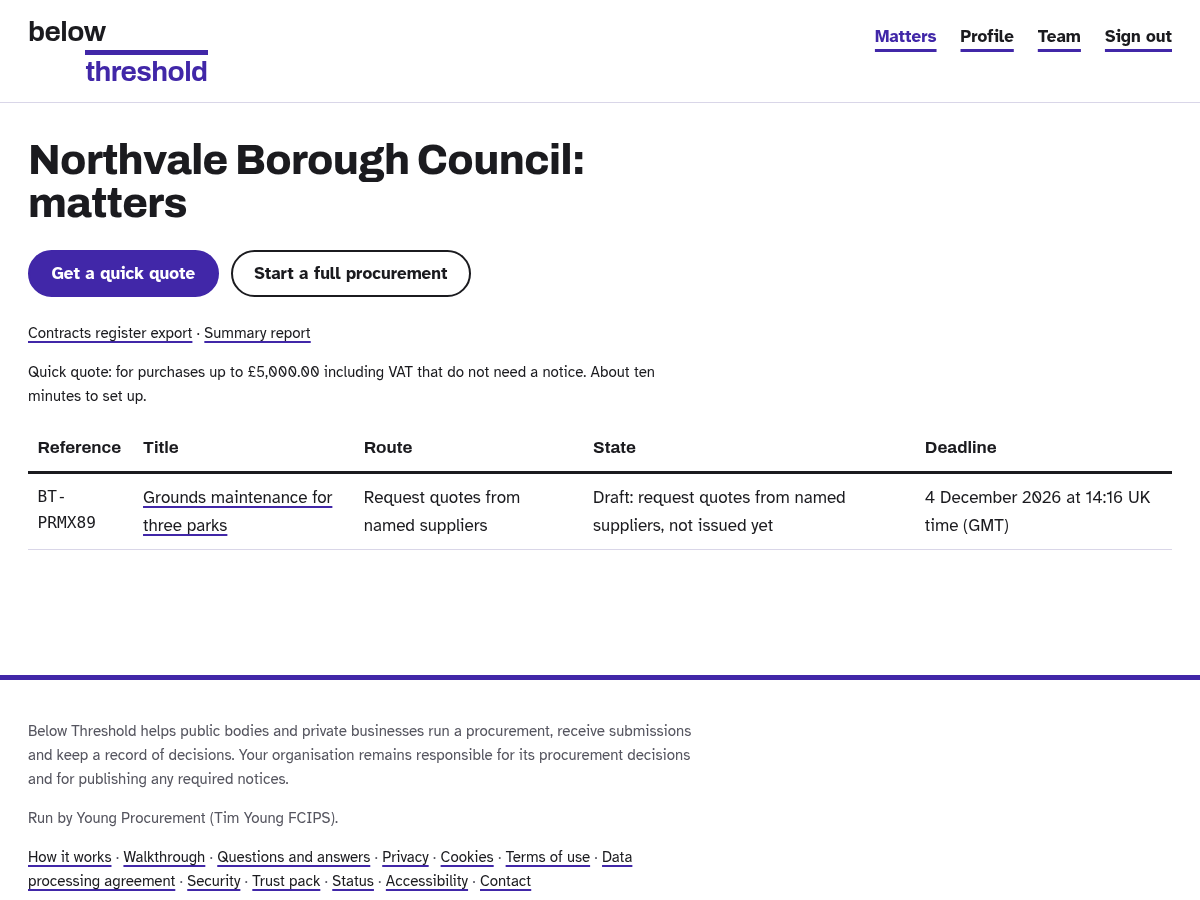
Sign in and start. Quick quote for small buys, full procurement for the rest.
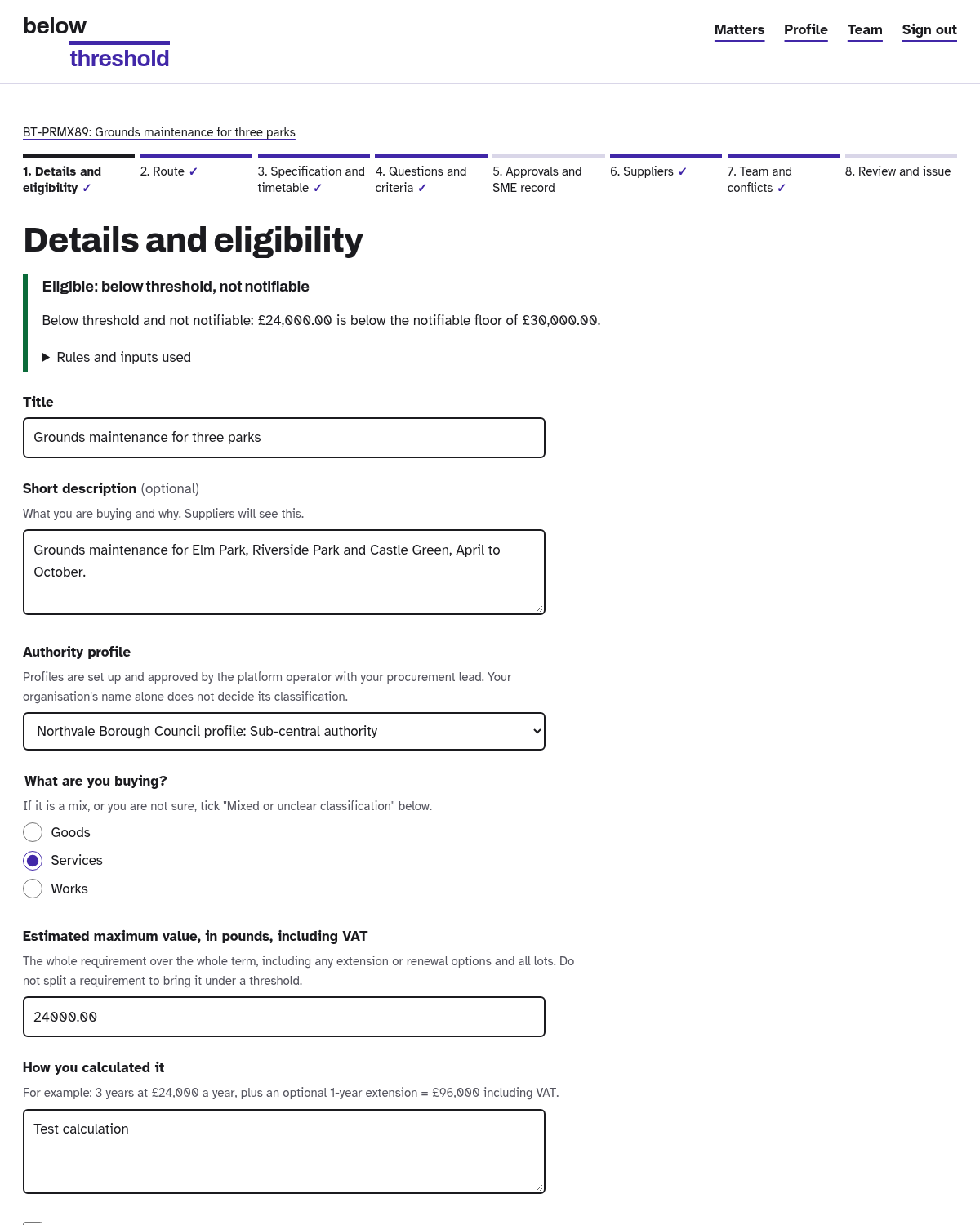
Say what you are buying and roughly what it is worth. For councils, it checks the threshold for you.
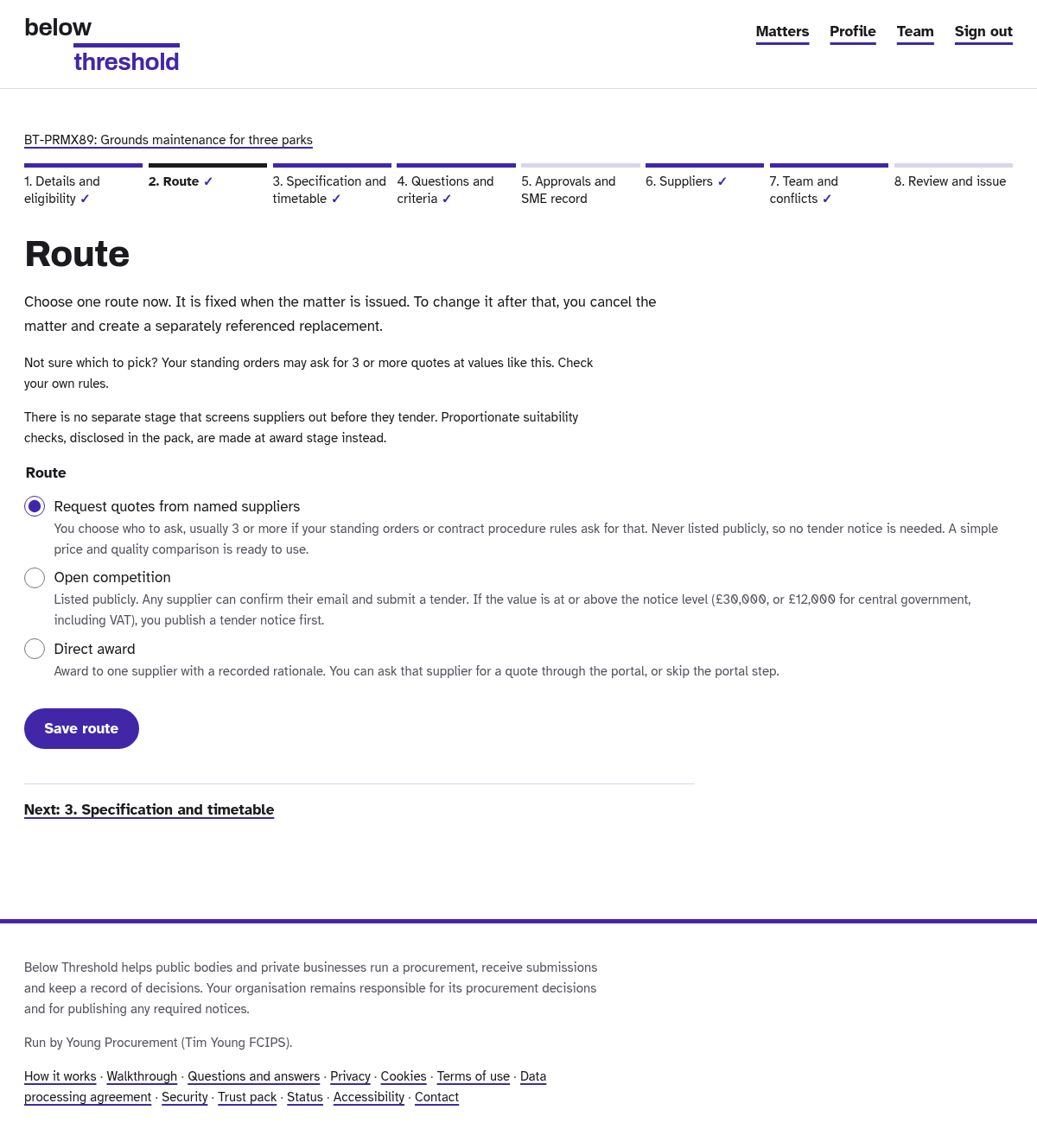
Pick the route: open, named suppliers, or direct award.
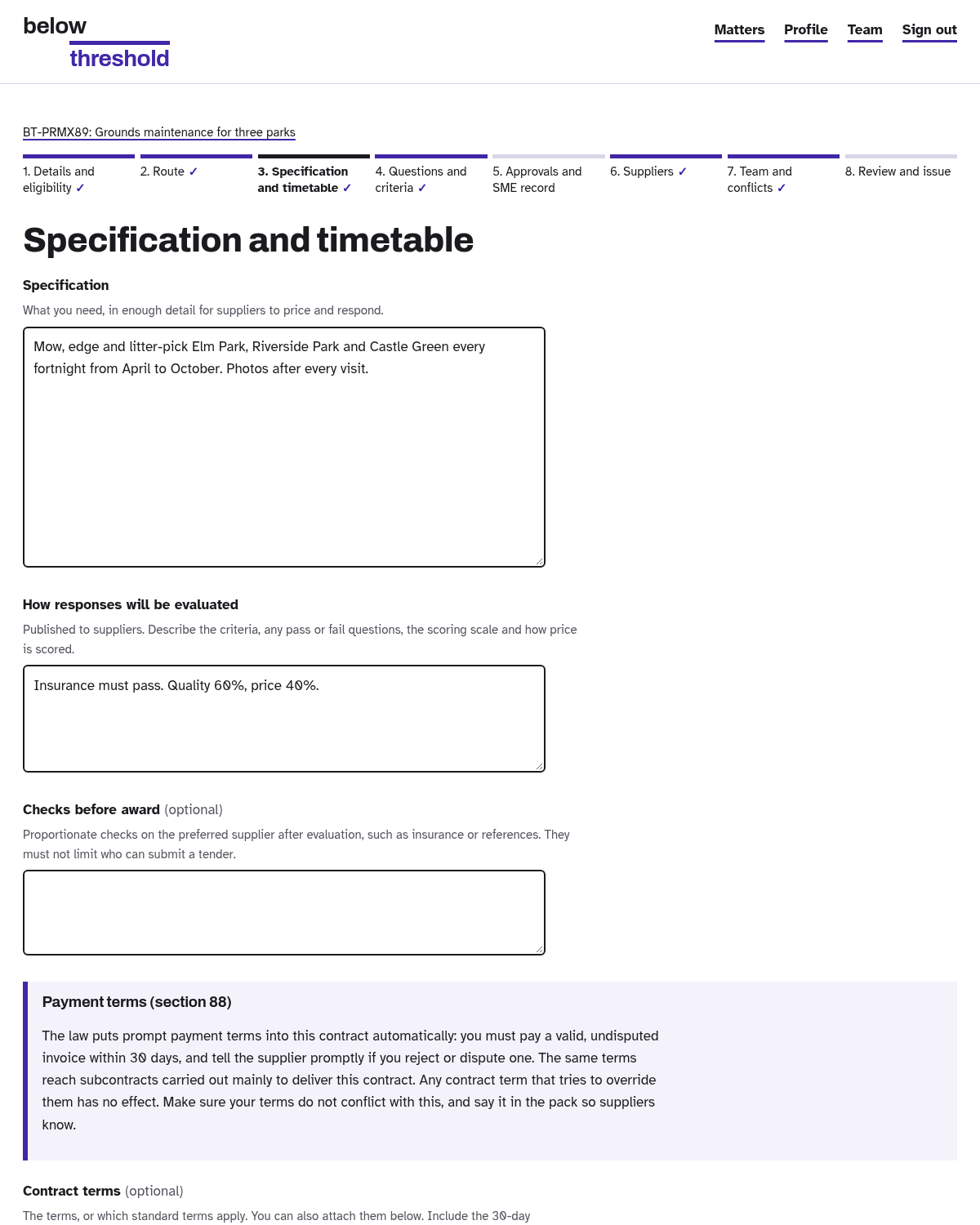
Write the specification and set the deadline.
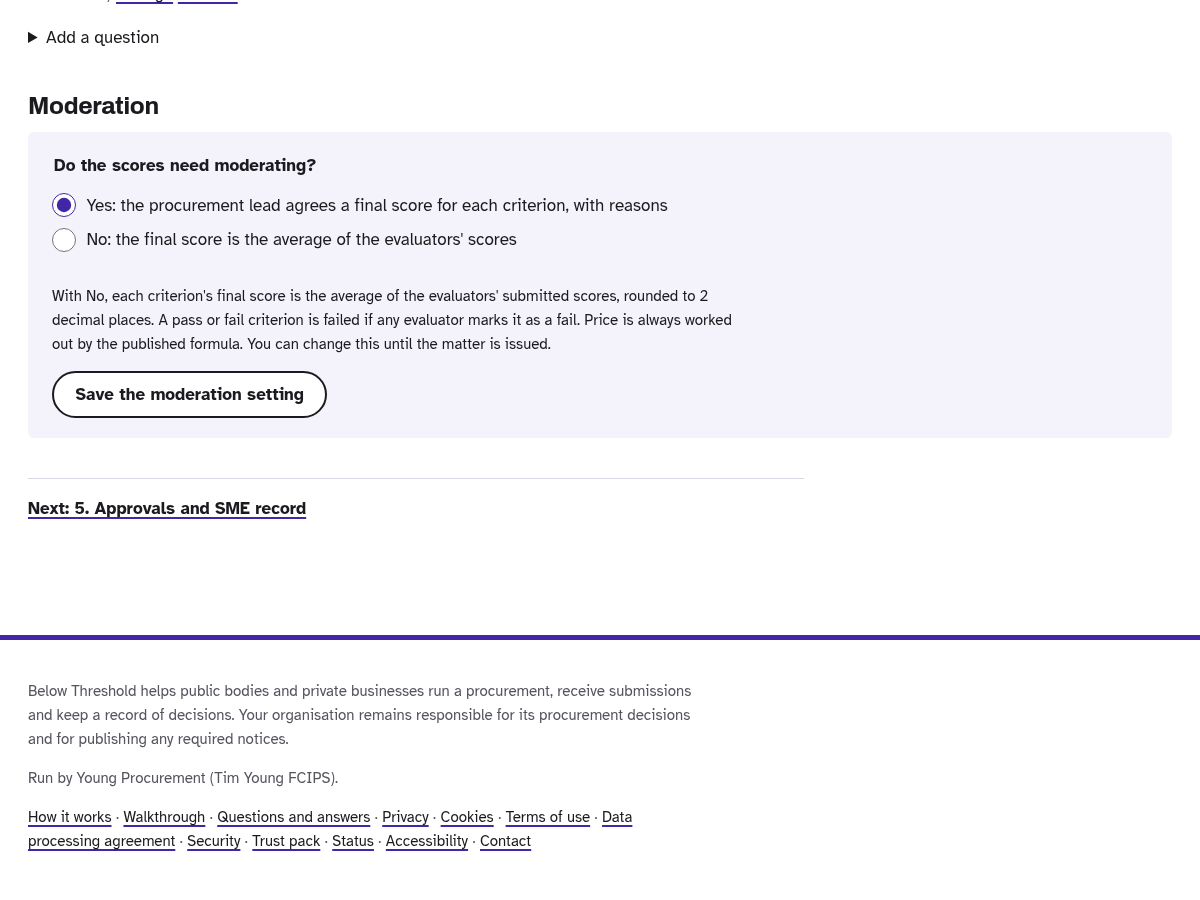
Add your questions and criteria. Choose whether the scores need moderating, or simply average the evaluators' scores.
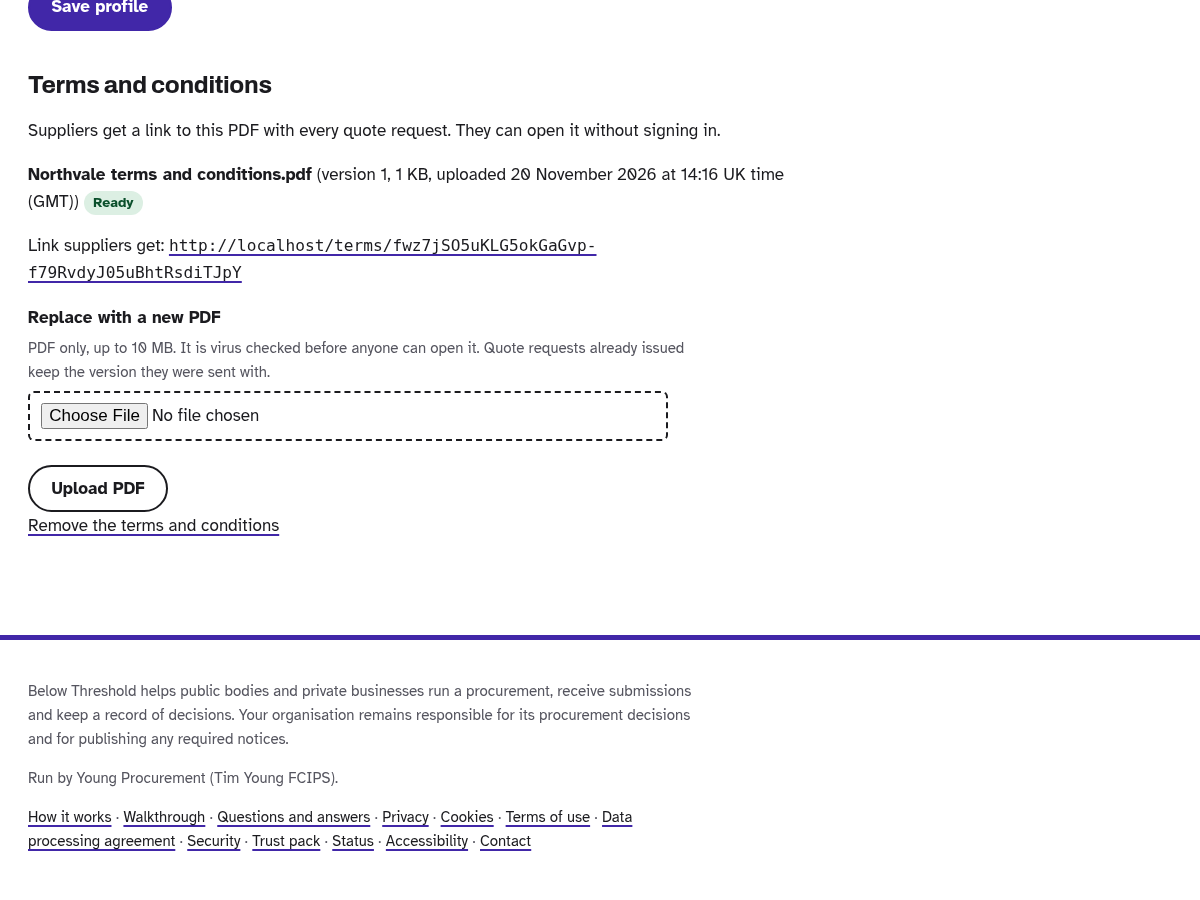
Set up your company profile once. Your terms and conditions go out with every quote request.
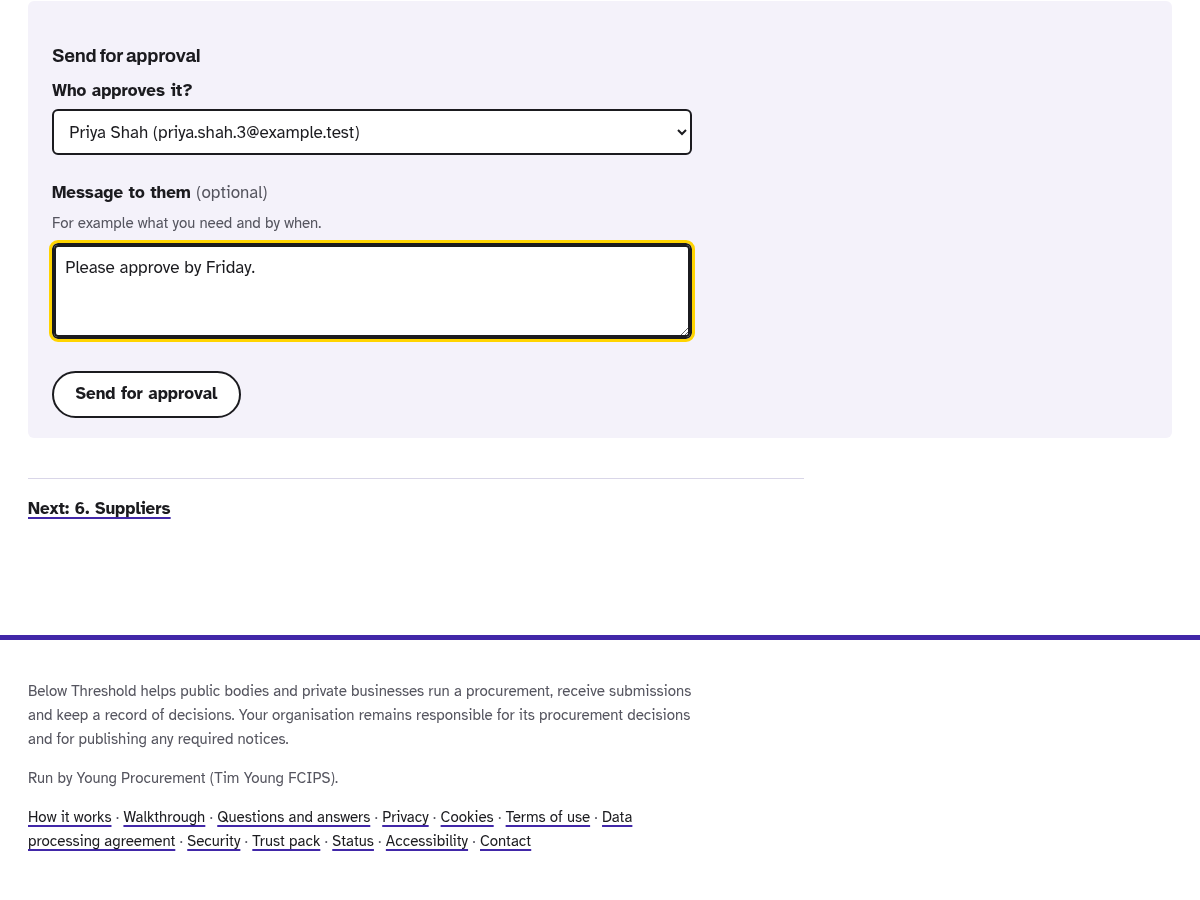
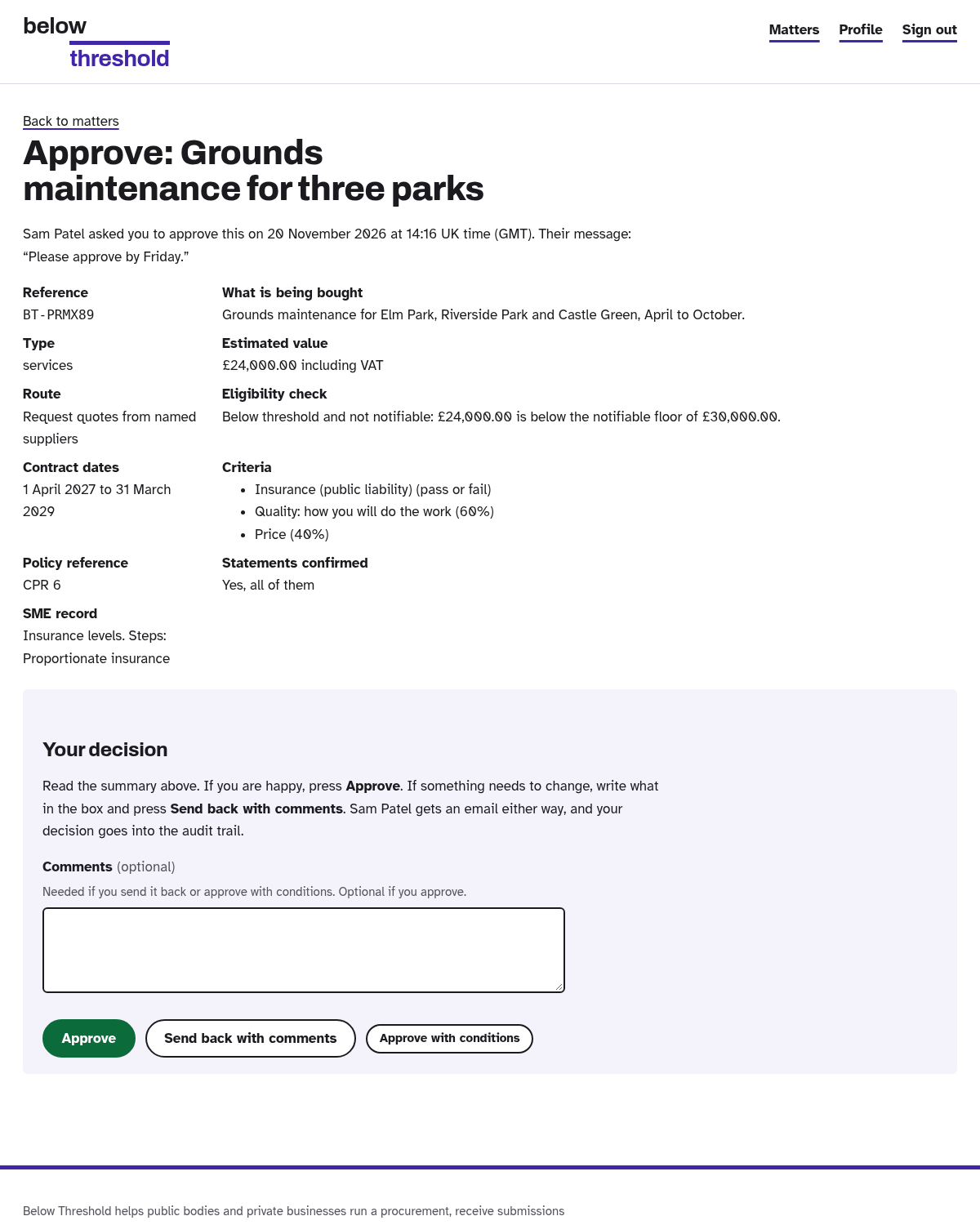
Send it to any colleague for approval. They get an email with a button.
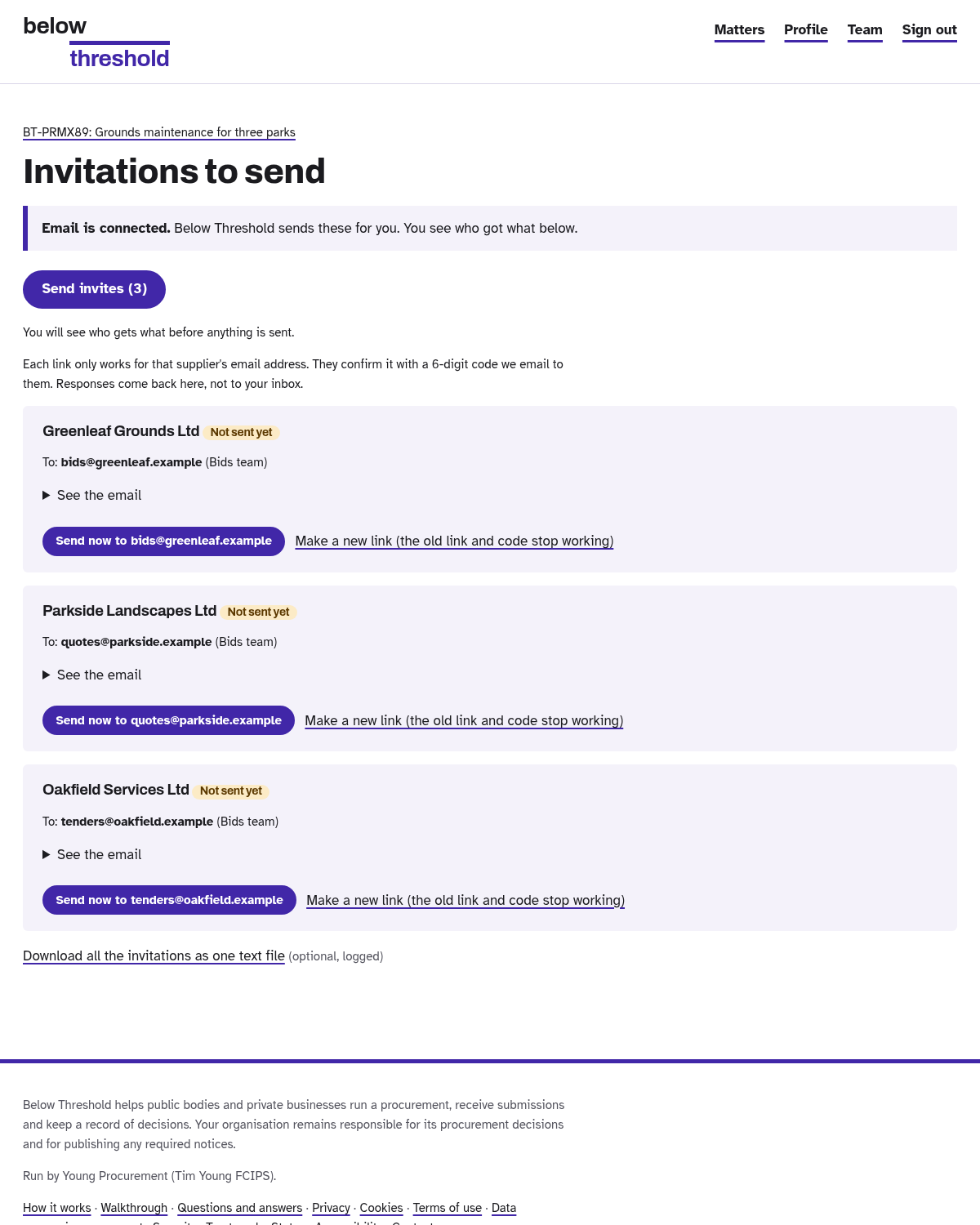
Issue it, then send the invitations with one click.
Bids stay sealed until the deadline. You can close early with a reason, and every supplier is told.
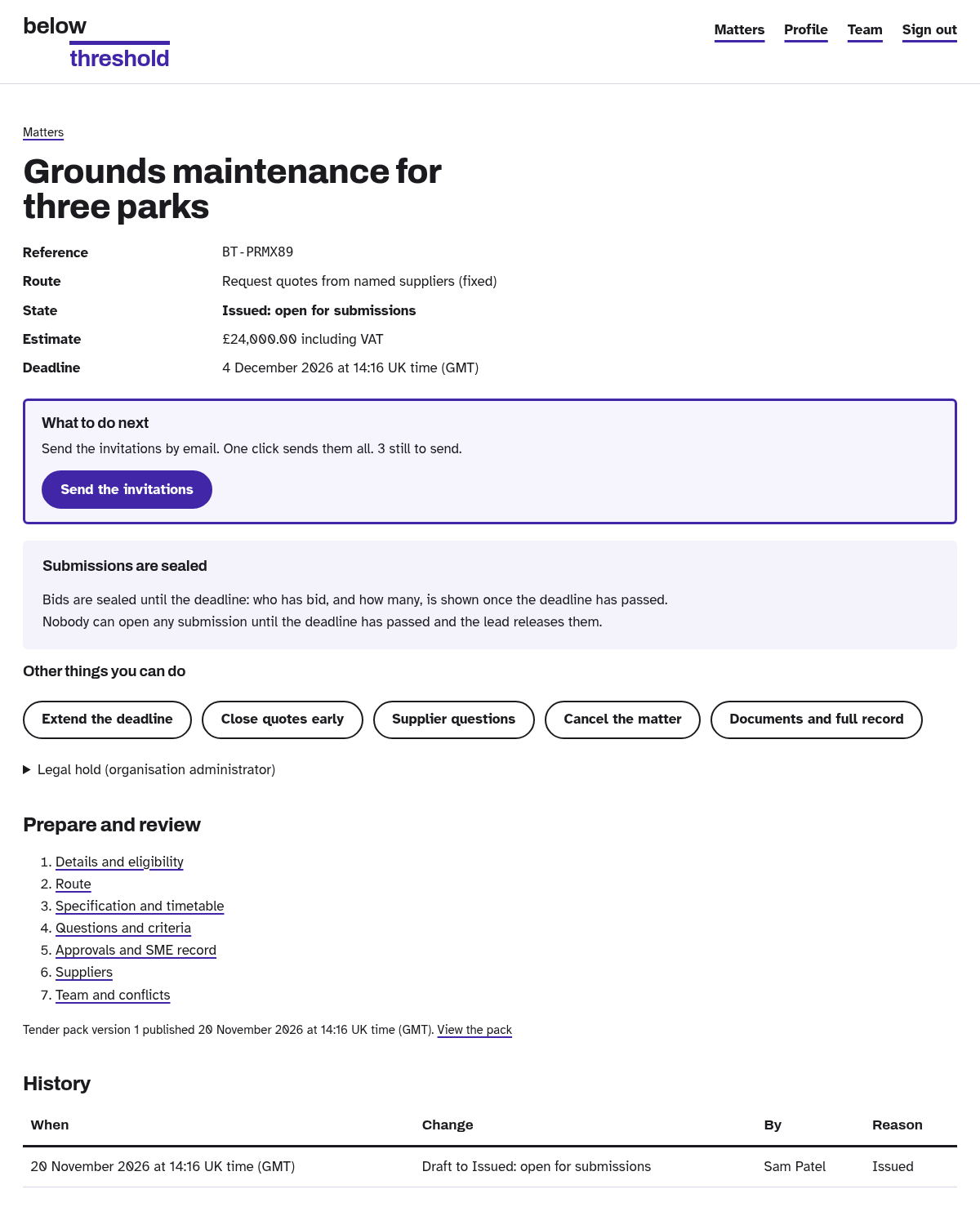
Closing early asks for a reason. It goes in the audit trail.
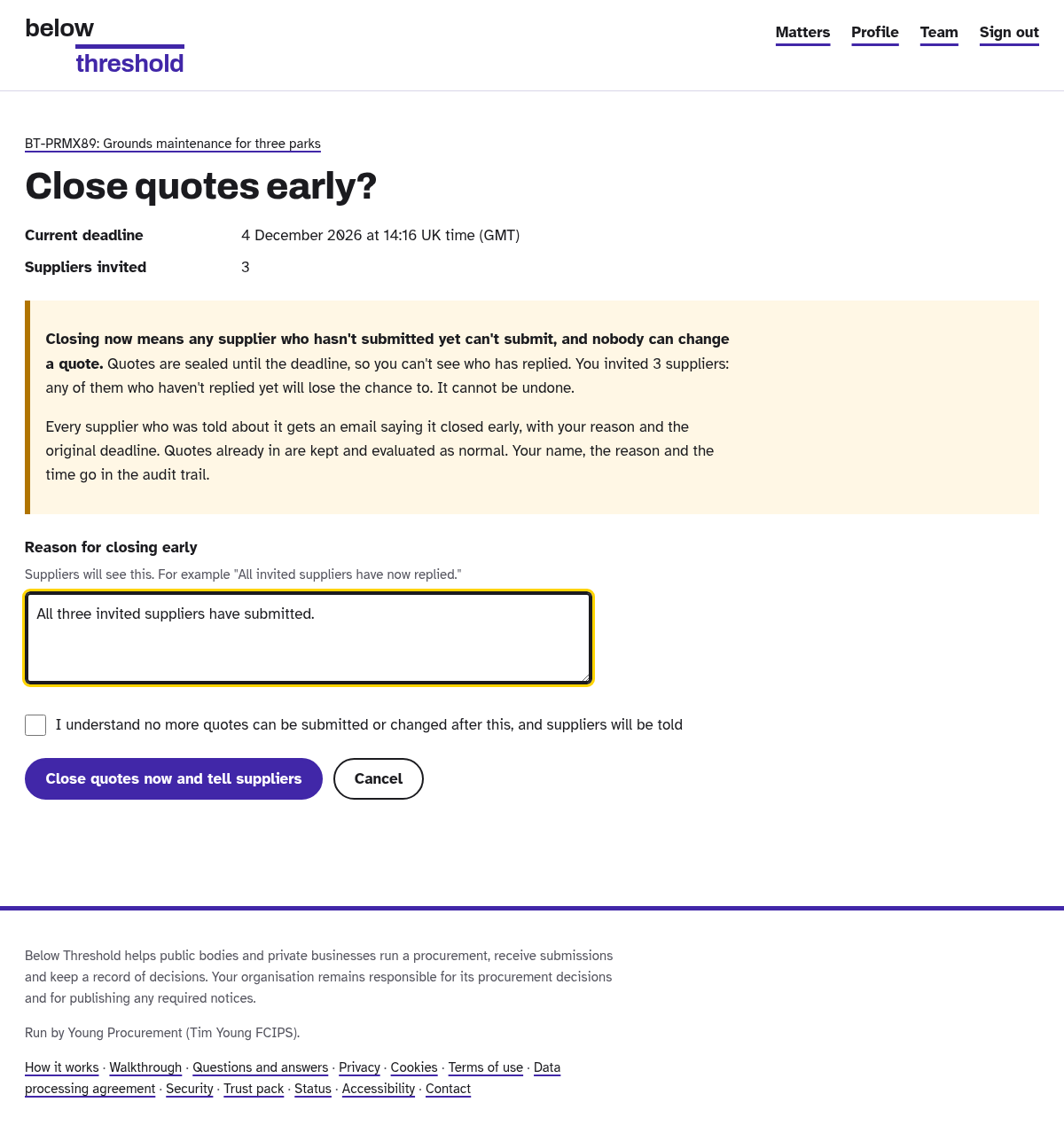
The Results page ranks everyone from the published scoring. Failed a pass or fail? Excluded, and it says why.
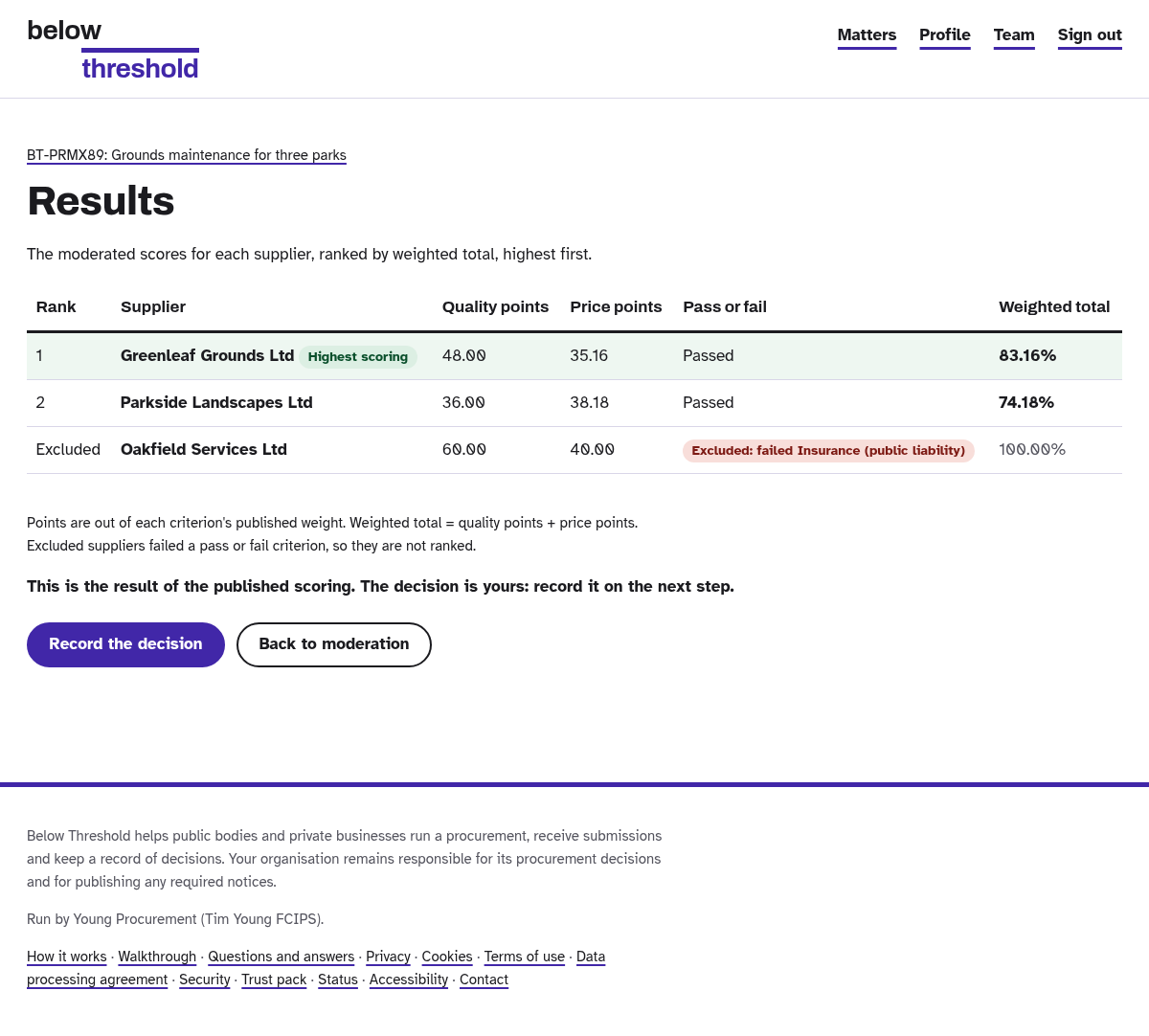
Record the decision. Picking someone other than the top scorer needs a reason.
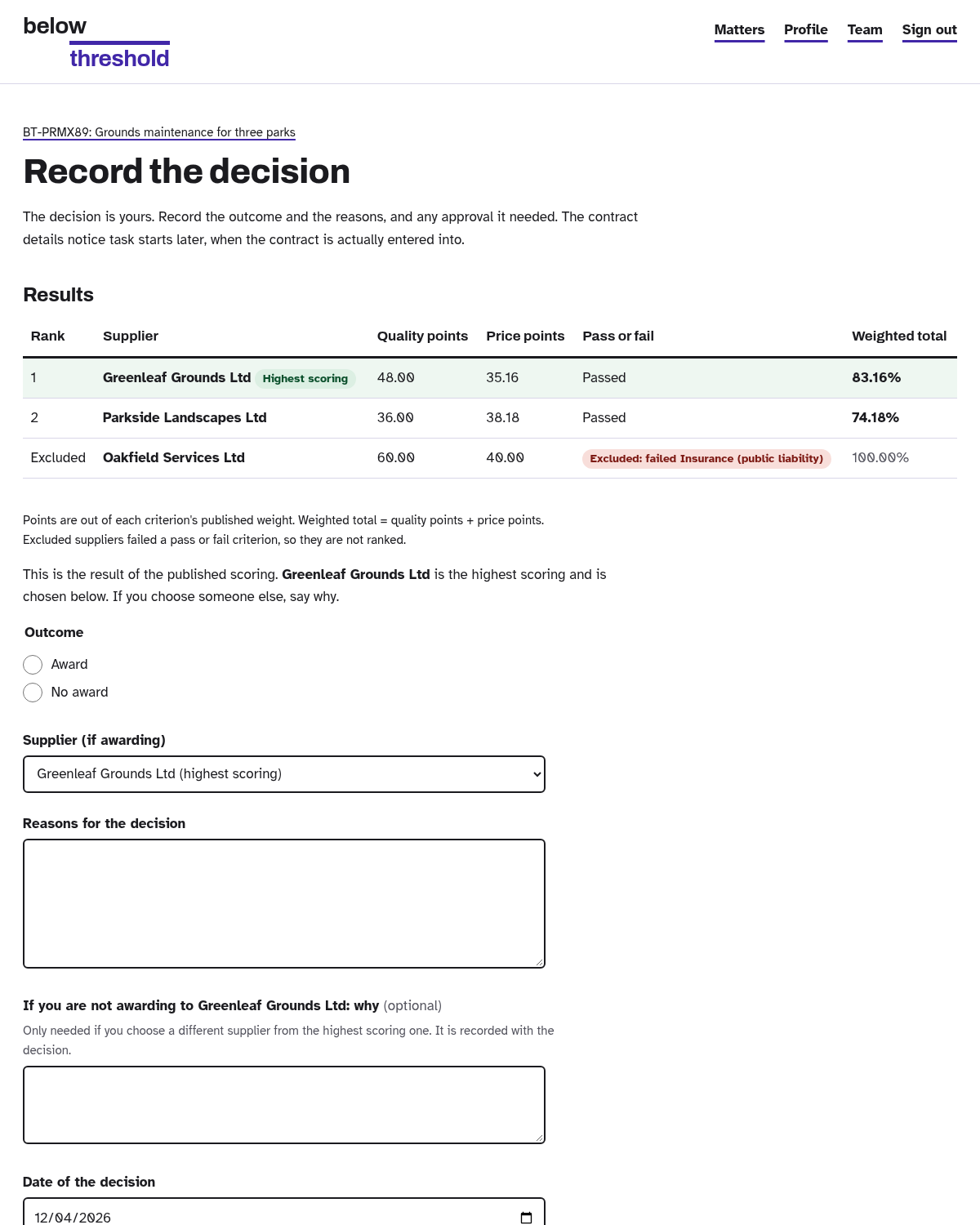
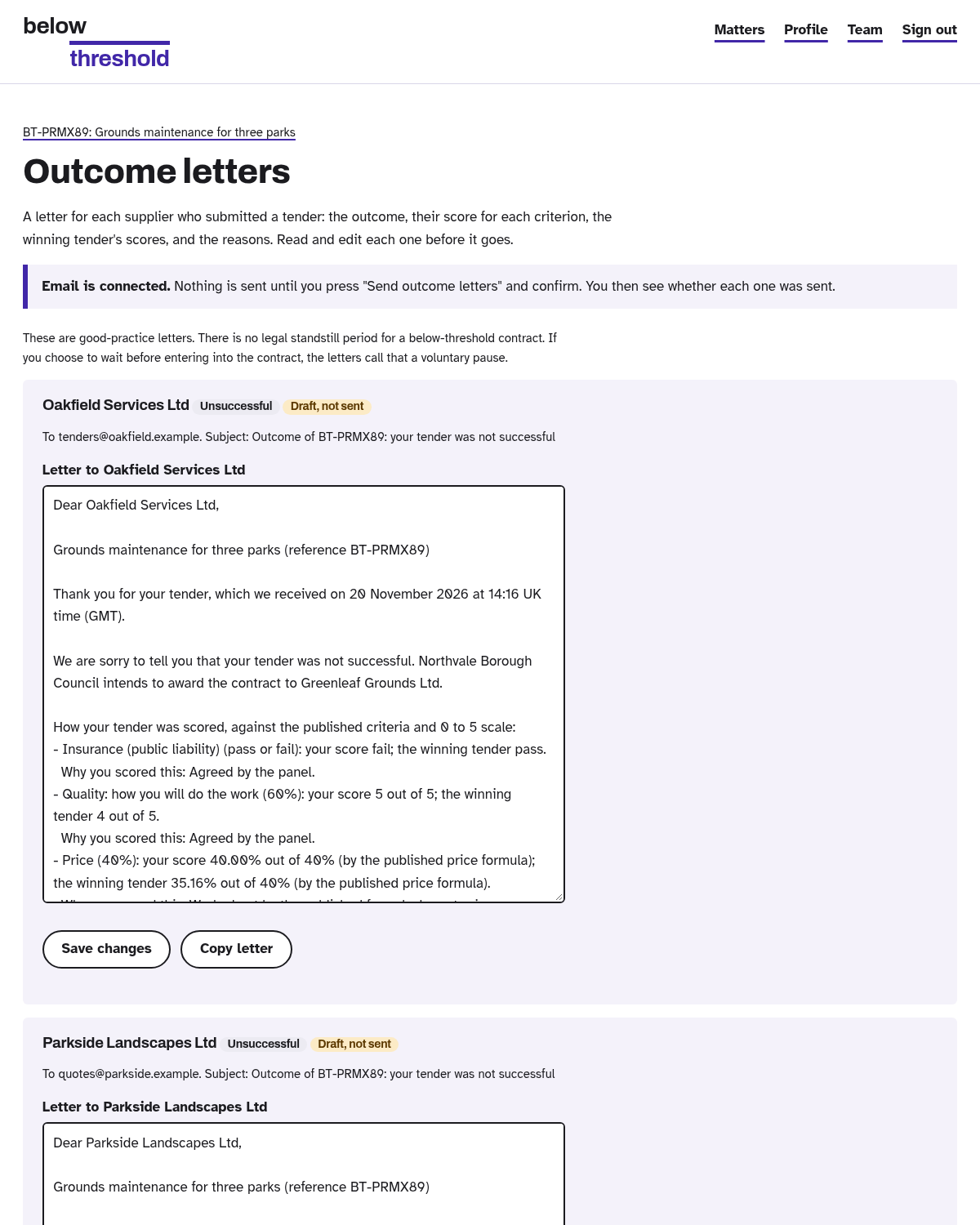
Outcome letters are written for you. Check them and send.
Approver
The colleague who signs it off before it goes out.
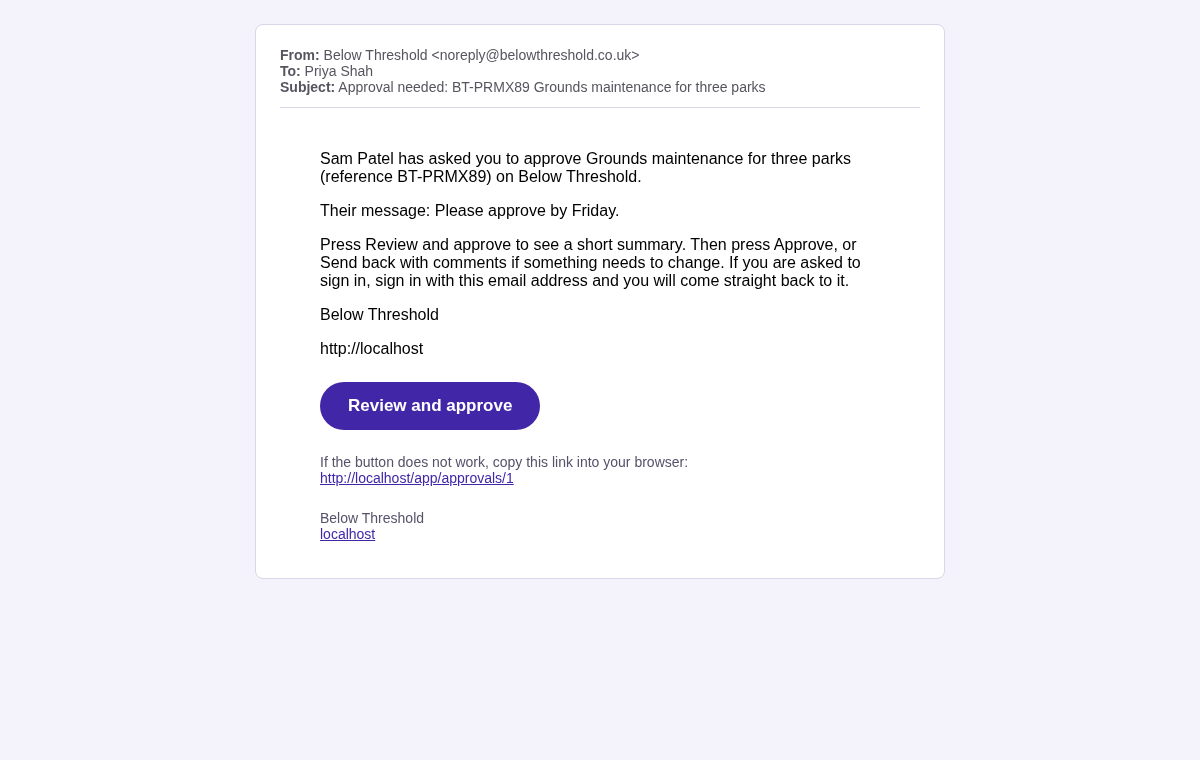
An email with one big button. No hunting around.
Read the summary, then press Approve, or Send back with comments.
Supplier
The businesses quoting. They do not need an account.
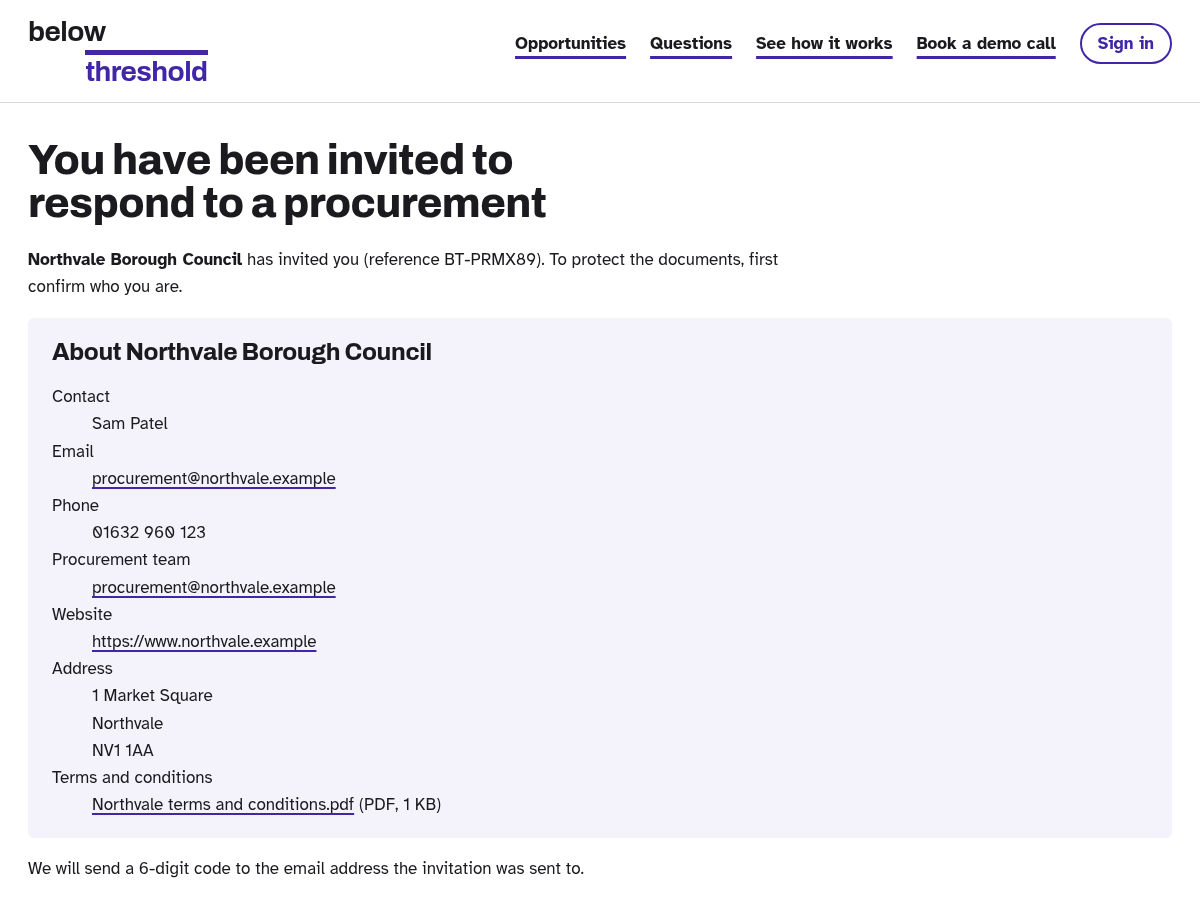
The private link from the invitation. Confirm your email with a one-time code.
Answer the questions, add your price, submit. Nobody can open it before the deadline.
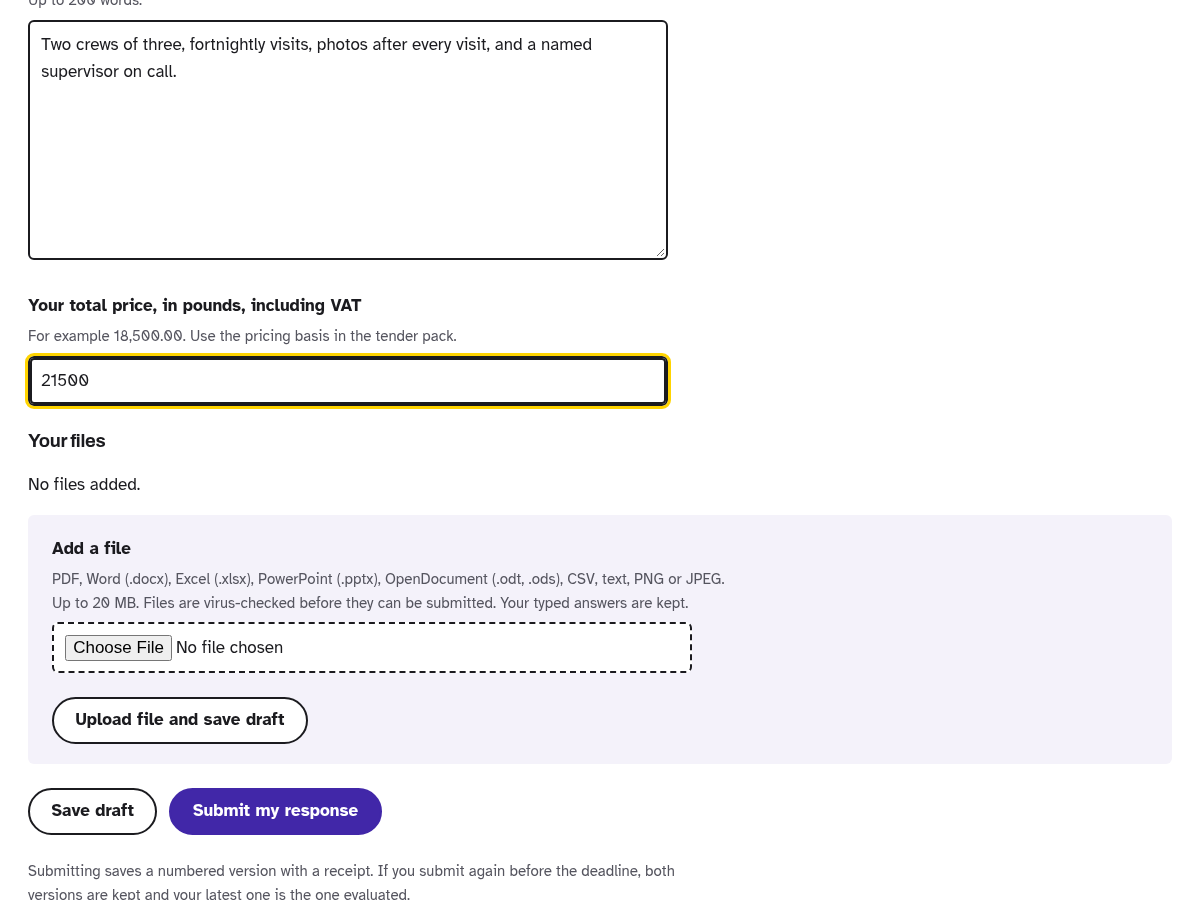
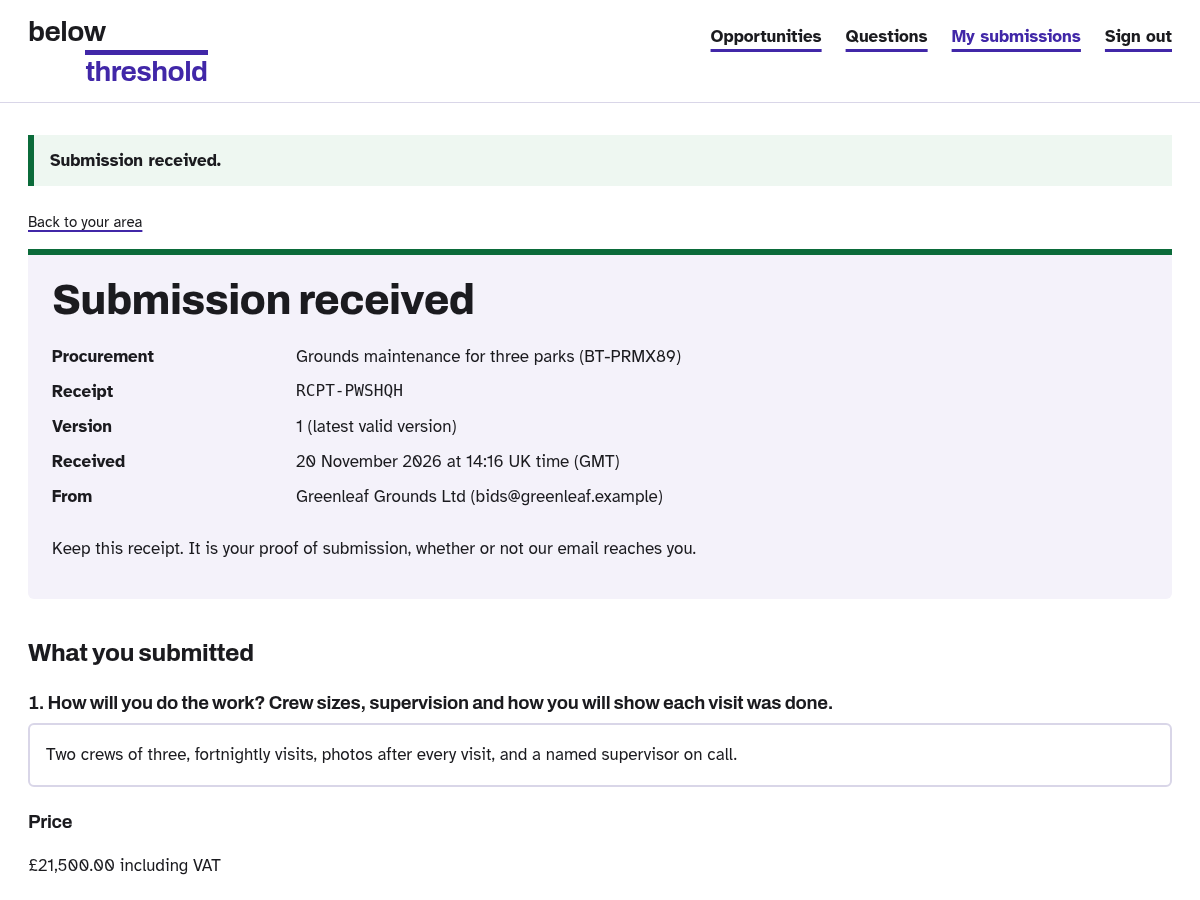
A receipt with a reference, straight away.
Evaluator
The people who score the responses.
Once the bids are released, each evaluator sees the responses.
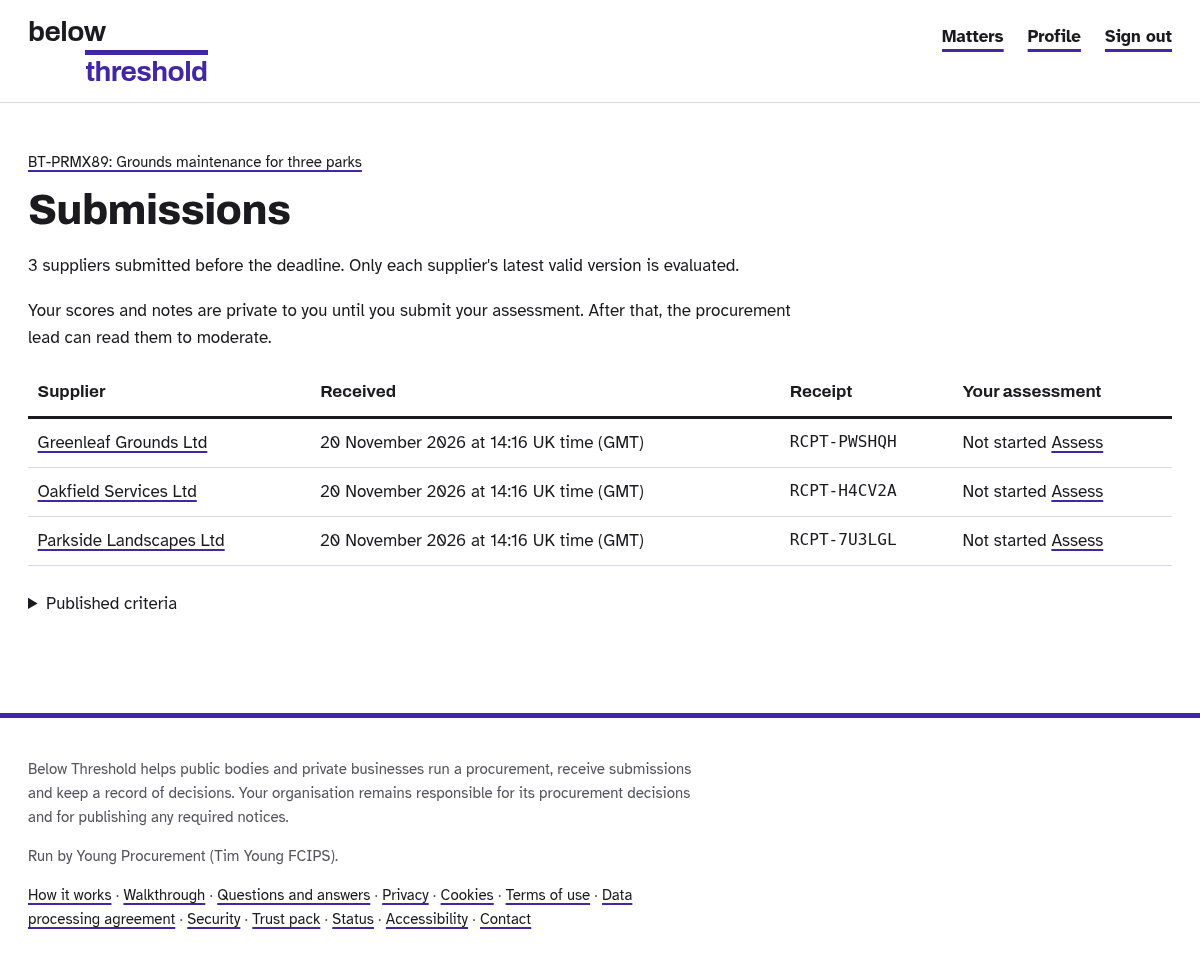
Score each criterion from 0 to 5, with reasons. Your scores are private until you submit.
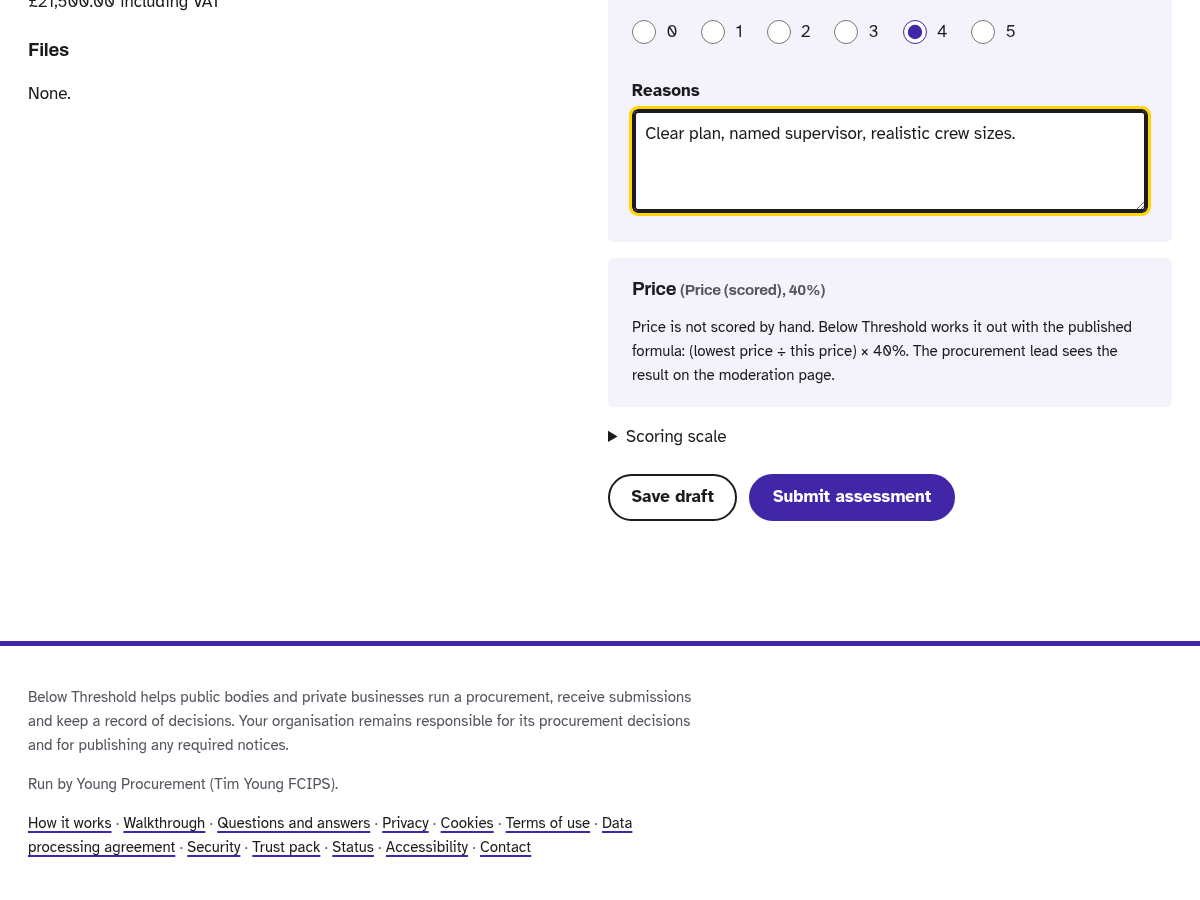
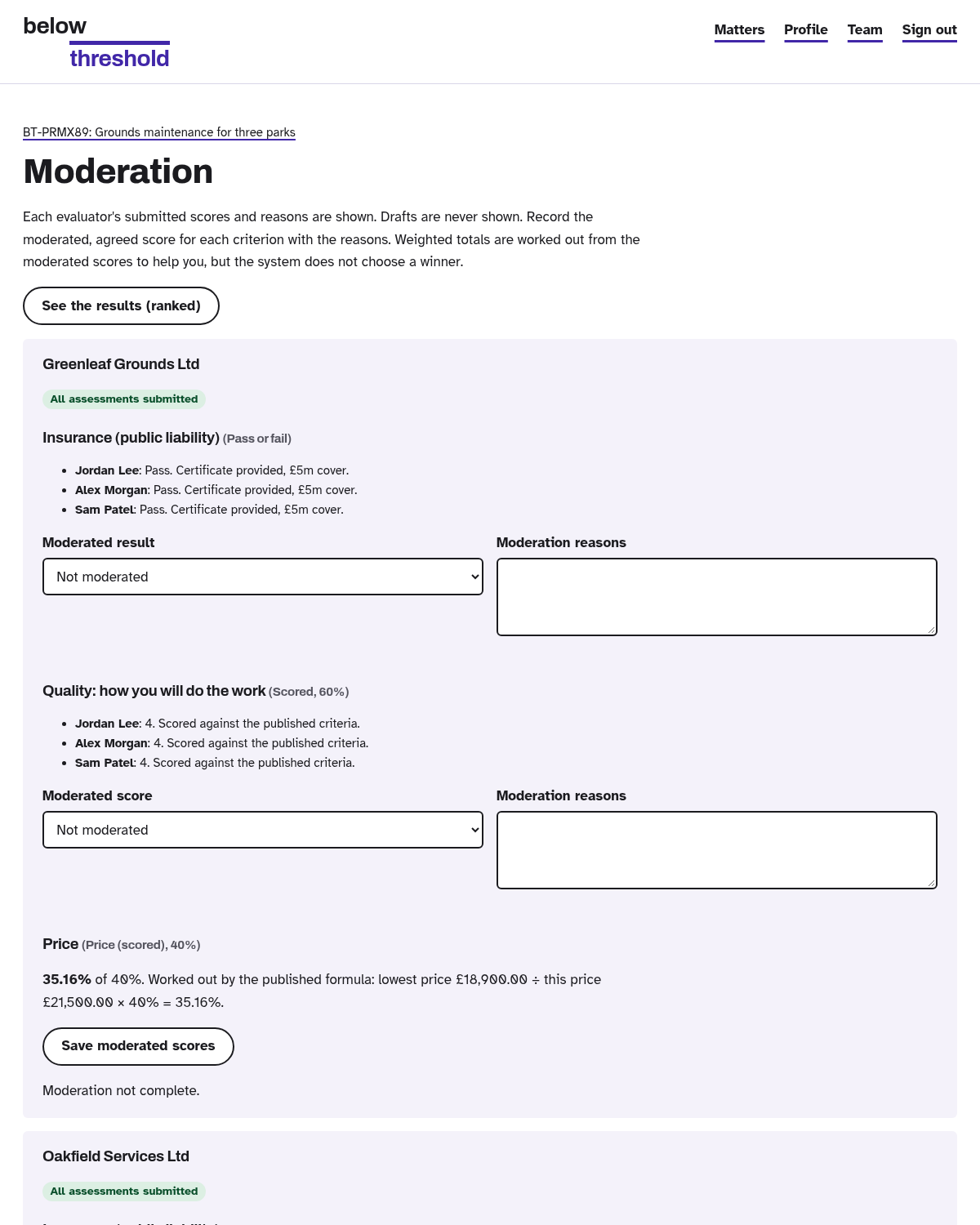
With moderation on, the lead agrees the final scores. With it off, they are averaged automatically.
Ready?
£49.99 a year or £5.99 a month per organisation. Cancel any time.